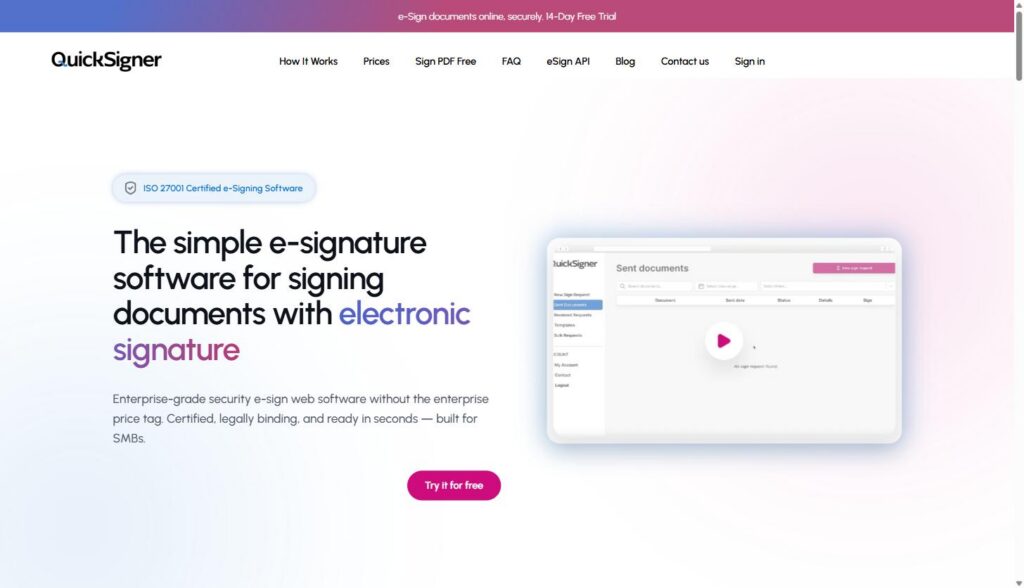
QuickSigner is an e-signature platform built for signing contracts, proposals, and agreements online: upload a PDF or Word file, drop in signature and date fields, send it to a recipient, and get back a legally binding, sealed document once everyone signs. It’s positioned explicitly as a lower-cost alternative to DocuSign, aimed at SMBs and small teams rather than enterprise procurement departments, and it ships both a self-serve web app and a REST API for teams that want signing built directly into their own product.
For a B2B SaaS sales team, that combination is the interesting part. Most deal desks don’t need the full enterprise CLM suite DocuSign or PandaDoc sell into. They need a fast way to get an order form, an MSA, or a renewal signed without the buyer bouncing to a third-party portal, plus an audit trail that holds up if a deal ever gets questioned. Agencies have the same problem on the client side: statements of work, retainer agreements, and NDAs that go out weekly and need to look consistent and get signed same-day. This guide walks through what QuickSigner actually does, based on time spent on quicksigner.com itself: the real feature set, the real pricing as published today, and where it’s a genuinely good fit versus where a bigger incumbent still makes more sense.
Affiliate Disclosure: MV3 Marketing participates in affiliate and partner programs, including QuickSigner’s. This post contains an affiliate link, and we may earn a commission if you sign up through it, at no additional cost to you. We only recommend tools we’ve researched directly and would put in front of our own clients.
What QuickSigner Actually Does
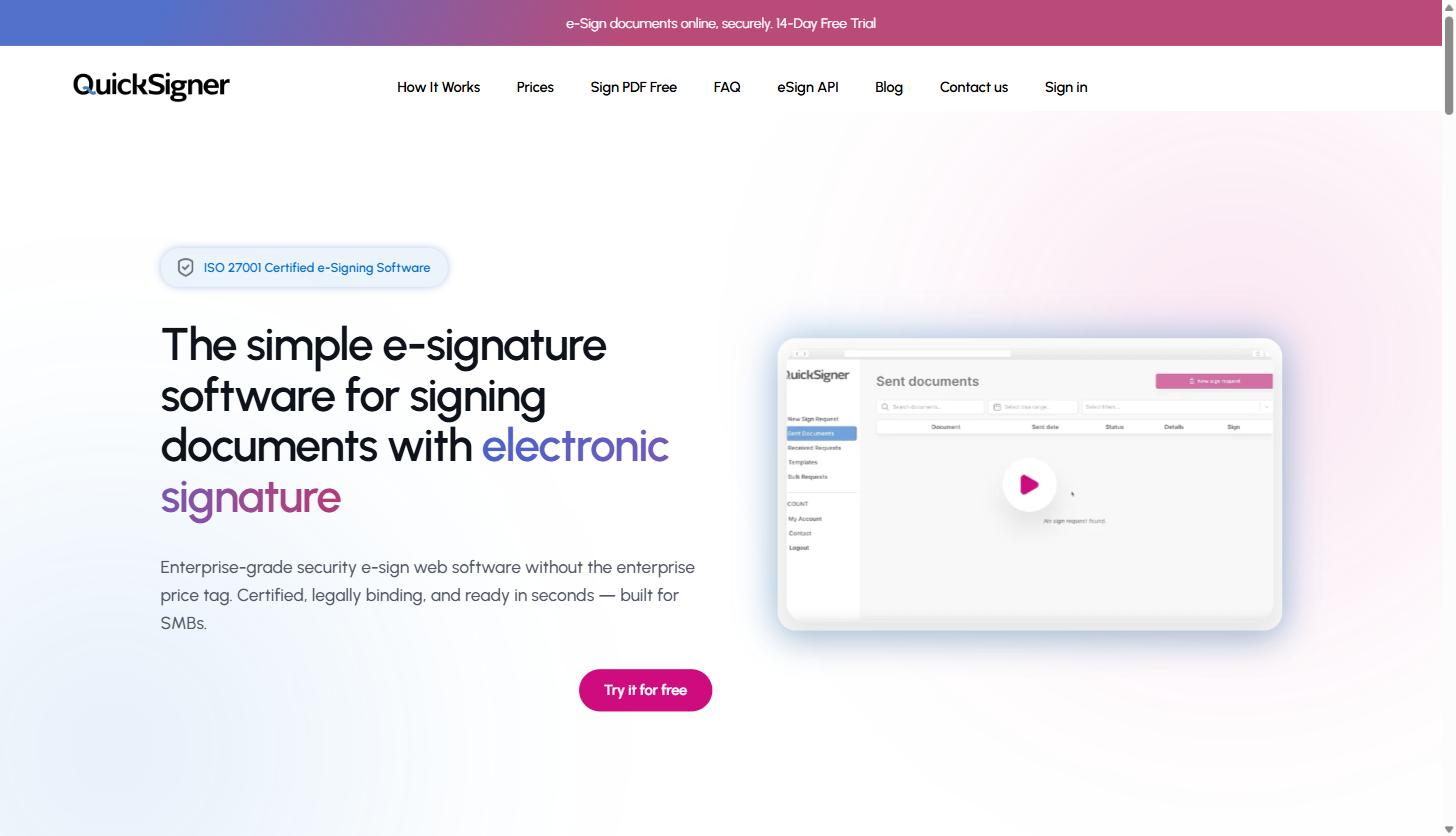
Strip away the marketing copy and QuickSigner’s core loop is four steps, and it’s the same loop whether you’re sending a one-page NDA or a ten-page SOW:
- Upload your document. PDF on every plan; Word files are supported starting on the Business plan.
- Add signers and fields. Enter each signer’s email and drop signature, date, checkbox, or text fields exactly where they need to go.
- Signers get a secure link. Each recipient signs from any device with a typed name or a drawn signature, no account or app download required on their end.
- Track and finalize. You follow progress in real time, and the moment everyone signs, both parties get a legally binding, AATL-sealed copy of the document.
The legal and security layer underneath that loop is where QuickSigner spends most of its homepage copy, and it’s worth taking seriously rather than treating as boilerplate. QuickSigner uses PAdES (PDF Advanced Electronic Signatures) to seal documents and is backed by the Adobe Approved Trust List (AATL), which means a signed PDF opened in Adobe Acrobat or Reader shows the green “Signature is valid” check automatically, with no plugin or extra verification step. Documents are protected with AES-256 encryption and a full audit trail, and the company holds ISO/IEC 27001:2022 certification for its security management. On the legal side, QuickSigner states its signatures are valid under the U.S. ESIGN Act and UETA, the UK’s Electronic Communications Act 2000 and UK eIDAS, and the EU’s eIDAS regulation: the three frameworks that cover the large majority of B2B SaaS customers and agency clients in North America and Europe.
For a sales team, the practical translation is: a signed order form from QuickSigner isn’t a lesser-quality signature than one from a bigger platform. It’s the same underlying standard (PAdES, AATL-sealed), just without the enterprise contract-lifecycle features (clause libraries, approval workflows, deep CRM sync) that most SMB and mid-market teams don’t use anyway and end up paying for regardless.
Worth calling out separately: QuickSigner runs entirely in the browser, on any device, with nothing to install on the signer’s end. That matters more than it sounds for a sales or agency team, because the person you actually need a signature from is rarely sitting at a desktop when the deal is ready to close: a prospect approving a proposal from their phone between meetings, or a client signing an SOW from a tablet on-site, gets the same full feature set and the same AATL-sealed security as someone signing from a laptop. There’s no separate mobile app to download and no reduced feature set on a smaller screen, which removes a common point of friction: a signer who can’t easily get to a desktop and just lets the document sit unsigned in their inbox.
Feature Deep Dive: Contract Templates for Repeat Agreements
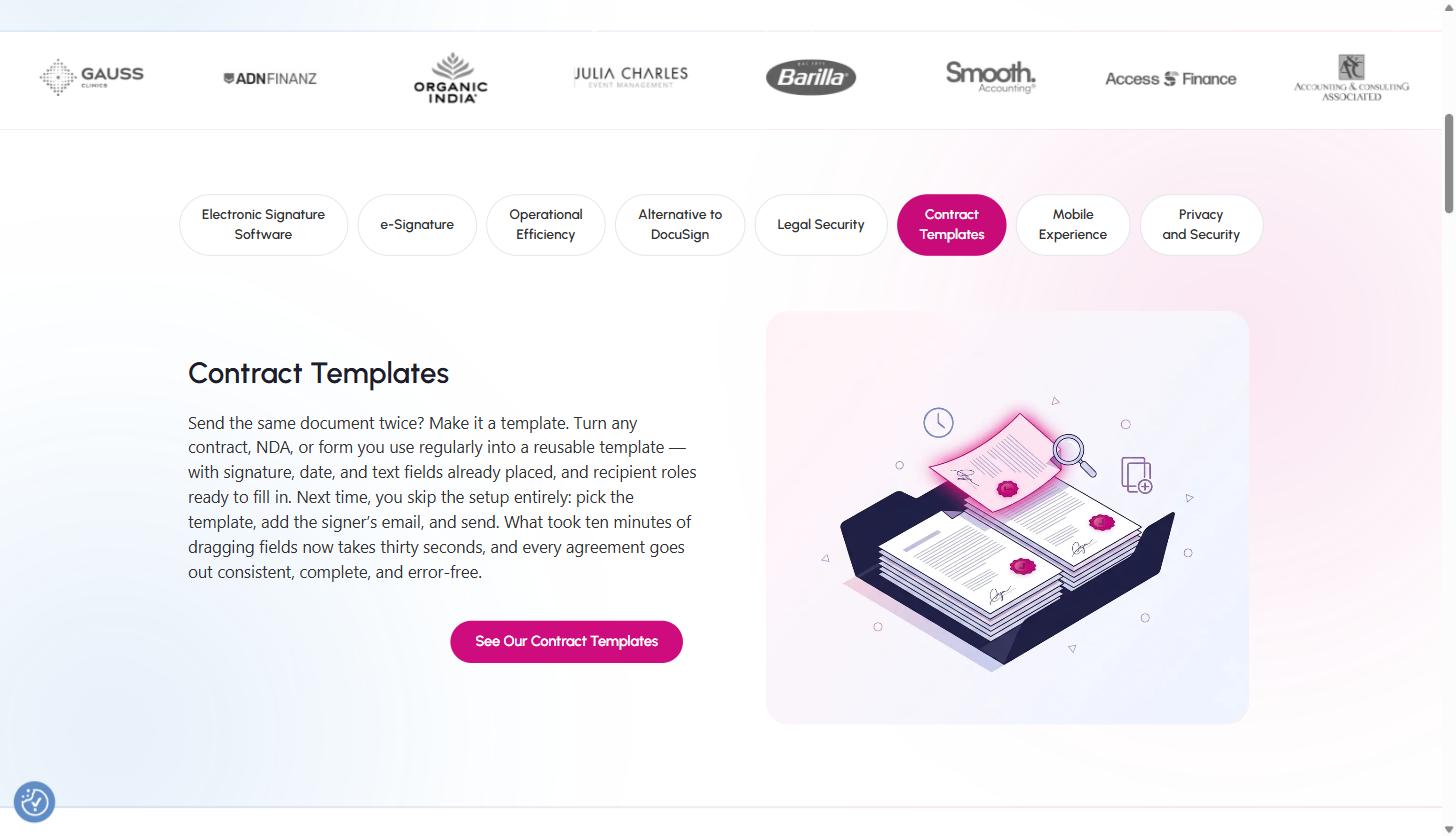
If your team sends the same type of document on a recurring basis (an MSA, a standard SOW, an NDA, a renewal order form), QuickSigner’s template feature is built specifically for that pattern. Any document you upload can be saved as a reusable template with signature fields, date fields, and recipient roles already placed. The next time you need to send that same agreement, you skip the setup work entirely: pick the template, add the new signer’s email, and send. QuickSigner’s own framing of the time savings is direct: what took ten minutes of dragging fields onto a document the first time takes about thirty seconds on every send after that.
Two details matter here for a SaaS or agency team evaluating this against a bigger platform. First, templates are a paid-plan feature: they’re available starting on the Business plan, which includes 10 saved templates, not on the free tier. Second, QuickSigner does not ship a gallery of pre-written legal document templates the way some competitors do. There’s no library of generic NDA or MSA boilerplate to pick from inside the product. Templates are built from documents your own team or your legal counsel already uses and trusts, which the company positions as a feature rather than a gap: you’re not signing a generic template pulled from a software vendor’s library, you’re reusing the exact contract language your business already reviewed. For an agency sending the same SOW structure to a new client every week, or a SaaS sales team that already has an approved order form and MSA, that’s a reasonable trade: you lose a template marketplace, you keep control over exactly what goes out under your name.
On the API side, the same template mechanic is available programmatically via a templateId parameter, which matters for the next section.
Feature Deep Dive: The eSignature API and Embedded Signing
This is the section that matters most if you’re a SaaS company evaluating QuickSigner not just to sign your own sales contracts, but to embed signing inside your own product for your customers. QuickSigner ships a REST eSignature API that produces the same AATL-certified, PAdES-sealed documents as the web app, with a webhook fired on completion so your backend knows the moment a document is fully signed.
The integration is deliberately minimal: two API calls handle the entire flow. The first call uploads the file:
curl -X POST https://app.quicksigner.com/api/v1/files
-H "Authorization: YOUR_API_KEY"
-F "[email protected]"
# → { "fileName": "a1b2c3d4-...-contract.pdf" }
The second call sends it for signature, defining the recipient and where the signature field goes:
curl -X POST https://app.quicksigner.com/api/v1/requests
-H "Authorization: YOUR_API_KEY"
-d '{ "fileName": "a1b2c3d4-...-contract.pdf",
"recipients": [{ "type": "EMAIL", "email": "[email protected]",
"name": "Jane Doe",
"fields": [{ "type": "SIGNATURE", "pageNum": 1,
"x": 100, "y": 600, "width": 180, "height": 60 }] }] }'
Authentication is a single API key in the Authorization header. There’s no OAuth handshake to build. For a SaaS product team, that’s a meaningfully smaller integration lift than most enterprise e-signature APIs, which often require a multi-step OAuth flow and app-review process before you can send a single document.
The more interesting piece for product teams is embedded signing. QuickSigner returns a signUrl for each recipient that you load directly in an iframe inside your own interface, so the signer never leaves your product or sees a QuickSigner-branded page. Three parameters control the experience: hideInfoPanel strips QuickSigner’s own UI chrome for a clean fit inside your layout, signedRedirectUrl sends the signer back into your app after signing instead of showing a generic thank-you screen, and disable_notifs stops QuickSigner from emailing people who are already looking at your screen in real time. Combined with the webhook that fires a REQUEST_COMPLETED event, this is enough to build a fully white-labeled “sign your proposal without leaving our app” flow: the kind of thing a SaaS company selling to other SaaS companies would want in its own checkout, onboarding, or proposal-acceptance flow.
On cost: a free developer account requires no credit card and is enough to build and test the full integration. Moving to production requires a Professional plan ($15/user/month) plus usage-based pricing starting at $0.30 per signed document, with 50 API credits included free to get started. There are no envelope caps and no per-seat lock-in on the API usage itself: you pay per document sent, not per active user.
QuickSigner Pricing
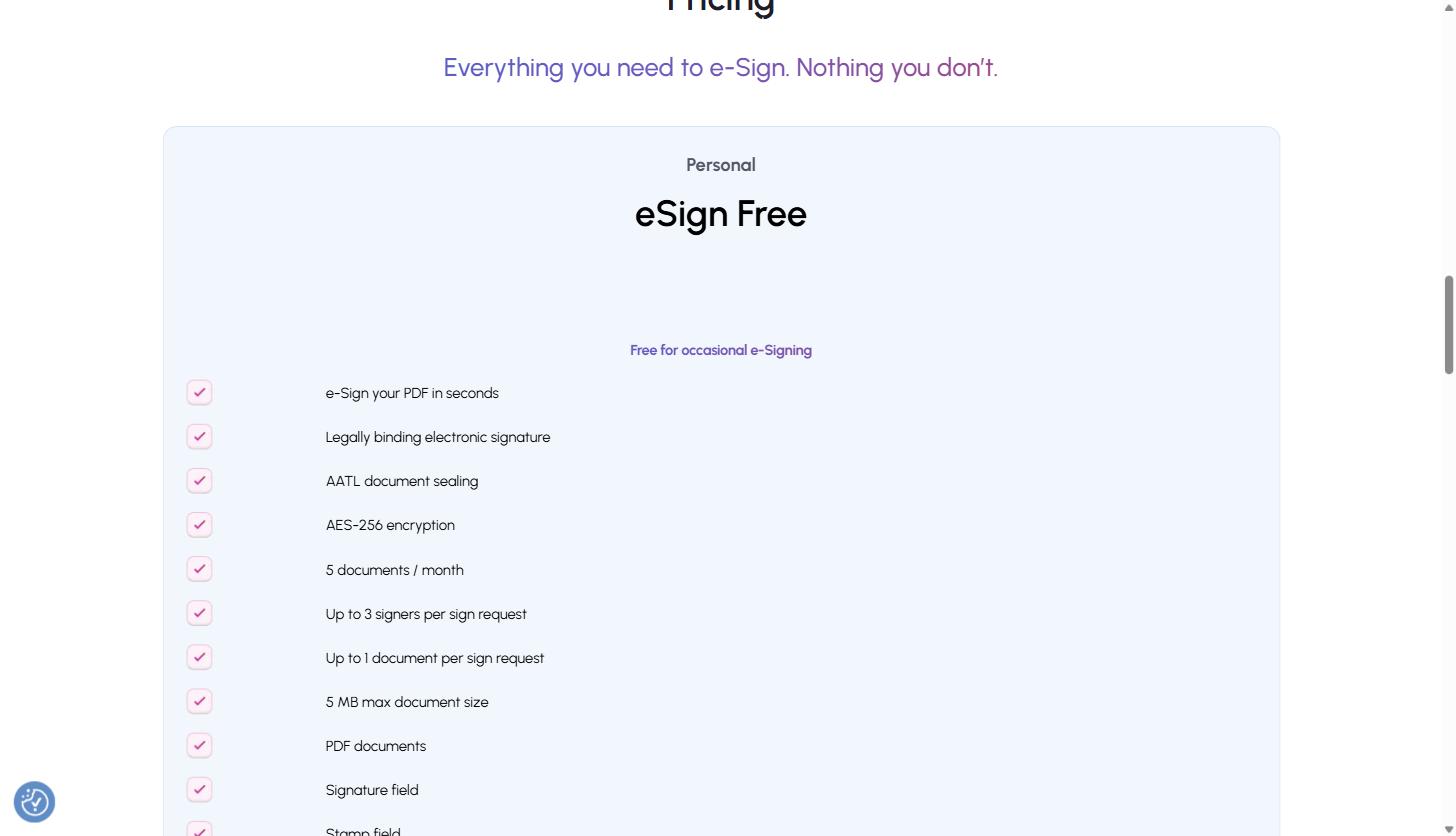
QuickSigner runs four tiers, and the pricing below reflects what’s published live on quicksigner.com/pricing as of this writing:
| Plan | Price | Key limits | Best for |
|---|---|---|---|
| Personal (eSign Free) | Free | 5 docs/month, up to 3 signers, 1 doc per request, 5 MB max, PDF only | Occasional, one-off signing |
| Business | $5/user/month ($48/yr with 20% annual discount) | Unlimited docs/month, up to 10 signers, 3 docs per request, 10 MB max, 10 templates, Word docs, reminders, saved signature | Small teams sending contracts weekly |
| Professional | $15/user/month ($144/yr with 20% annual discount) | Up to 50 signers, 10 docs per request, 15 MB max, OTP phone verification, eSign API (50 free credits, then $0.30/doc), bulk send, priority support | Higher-volume teams and API/integration use |
| Teams (custom) | Custom quote | Built around volume and integrations | Larger teams needing a tailored setup |
Business and Professional both include a 14-day free trial. Every plan is priced per user, not per envelope sent, which is a real structural difference from platforms that cap you on document volume regardless of team size. QuickSigner’s own FAQ page runs a cost calculator modeling its unlimited Business plan against three unnamed competitor pricing structures it labels a “market leader” with envelope caps, a “premium suite” on a flat plan, and a “budget challenger” with invite caps, landing at roughly $0.48 per document on QuickSigner’s unlimited plan versus $3.00, $1.80, and $0.96 per document on those three comparison tiers, based on 100 documents sent per year. QuickSigner notes this is modeled from public 2026 price lists and that competitor pricing varies by plan and region, so treat it as a directional estimate from the vendor rather than an independently audited figure, but the underlying structural point (per-seat pricing with no document cap, versus envelope-capped competitors) is accurate and verifiable on QuickSigner’s own pricing page.
Where QuickSigner Isn’t the Right Fit
QuickSigner is explicit about who it’s built for: SMBs, not enterprise procurement. That shapes where it makes sense to stop evaluating it and look elsewhere.
If your sales or legal team needs a shared library of pre-drafted legal templates inside the product itself, QuickSigner won’t give you that out of the box. Its template system reuses documents you already have; it doesn’t ship a built-in library of NDA, MSA, or SOW boilerplate the way some larger platforms market as a feature. If your team doesn’t already have approved contract language to upload, you’re starting from your own paperwork or legal counsel, not a vendor-provided template gallery.
If you need enterprise-grade approval workflows, CLM (contract lifecycle management) features like clause negotiation and redlining inside the platform, deep native CRM integrations beyond the API, or SSO/SCIM for a large organization, the “Teams” tier exists but is explicitly a custom, sales-assisted quote rather than a self-serve plan: meaning you’d be negotiating pricing and scope rather than clicking a plan and starting immediately, which is exactly the enterprise-procurement friction the product’s core positioning (“without the enterprise price tag”) is built to avoid for smaller teams.
And if document volume is genuinely enterprise-scale with dozens of signers per request or documents well above 15 MB, the Professional plan’s caps (50 signers, 10 documents per request, 15 MB max) will start to feel tight: those are firm ceilings, not soft guidance.
Where it’s a strong fit is squarely in the middle: a SaaS company sending order forms, renewal contracts, and vendor NDAs; an agency sending client SOWs and retainer agreements every week; a RevOps or sales ops team that wants signing wired into its own onboarding or proposal flow via the API without a multi-month enterprise integration project. That’s a large share of the B2B SaaS and agency market, and it’s the exact segment QuickSigner has built its pricing and feature set around.
Frequently Asked Questions
How much does QuickSigner cost?
QuickSigner is free to start on the Personal plan. Paid plans run $5/user/month on Business and $15/user/month on Professional, both with 20% off when billed annually. The eSignature API is usage-based starting at $0.30 per signed document, with free credits included to start, and there are no envelope caps or per-seat lock-in beyond the plan’s own user pricing.
Does QuickSigner offer contract templates?
Yes, but you build them yourself rather than picking from a pre-written library. Any document you upload can be saved as a reusable template with signature fields, date fields, and recipient roles already placed, so recurring documents like NDAs, service agreements, or offer letters go out in seconds instead of being rebuilt from scratch each time. Templates are available starting on the Business plan (10 templates) and can be triggered via the eSignature API using a templateId.
Is QuickSigner a good DocuSign alternative?
QuickSigner positions itself directly as a lower-cost DocuSign alternative, with no per-seat lock-in on the API side and no envelope caps on its paid plans, starting at $5/user/month for the Business plan or a usage-based API from $0.30 per signed document, using the same AATL-certified, ISO/IEC 27001-secured signature standard. Whether it’s the right alternative depends on what you actually use DocuSign for today: if it’s straightforward contract signing without heavy CLM workflow features, QuickSigner covers that at a meaningfully lower price point. If you rely on DocuSign’s deeper enterprise workflow and negotiation tooling, that’s not what QuickSigner is built to replace.
Does the eSignature API have a free tier for developers?
Yes. QuickSigner offers a free developer account with no credit card required, which is enough to build and fully test an integration: upload a document, send it for signature, and receive the completion webhook. Moving that integration to production requires a Professional plan ($15/user/month) plus $0.30 per signed document, with 50 API credits included free to get started. Authentication is a single API key in the request header, with no OAuth setup required.
Closing Thoughts
For a B2B SaaS sales team or an agency that’s outgrown printing-and-scanning but doesn’t need a full enterprise CLM suite, QuickSigner’s core pitch holds up under a direct look at the product: real PAdES/AATL-sealed signatures, per-seat pricing without document caps, a template system built from your own paperwork instead of a generic library, and an API simple enough to get a proof of concept working in an afternoon rather than a quarter. The tradeoffs are real too: no pre-built template gallery, and genuinely large-scale or heavily negotiated enterprise contracts will outgrow the Professional plan’s limits. But for the order forms, SOWs, NDAs, and renewal contracts that make up most of a SaaS or agency deal desk’s daily volume, it’s a legitimate, verifiably cheaper alternative to the incumbents most teams default to.
You can start a free QuickSigner account here to test the signing flow and the API against your own contracts before committing to a paid plan.
If you’re evaluating how e-signature, proposal, and contract workflows fit into a broader B2B SaaS sales and marketing stack, or want a second set of eyes on where your deal desk is losing time, book a call with MV3 Marketing and we’ll walk through it with you.
Share this article

Alex Carter leads SEO and content strategy at MV3 Marketing, specializing in generative engine optimization, technical SEO, and AI-driven content systems for B2B companies.
Ready to audit your organic growth opportunity?
$2,500 flat. 5 business days. Six deliverables tied to pipeline , not rankings. No retainer required.
Get the Organic Growth Audit →